How to digitize photos: 4 ways, picked by how many you have
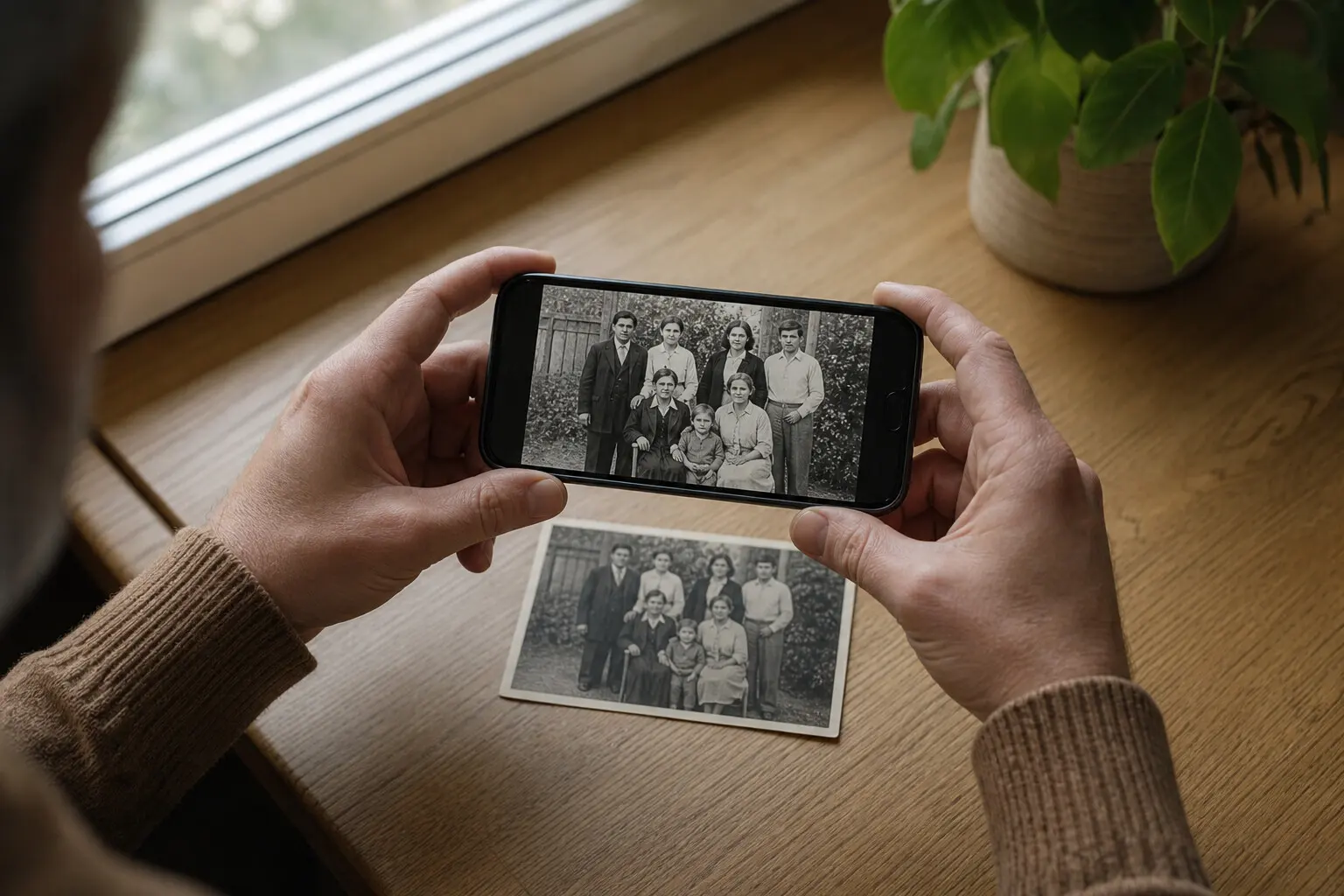
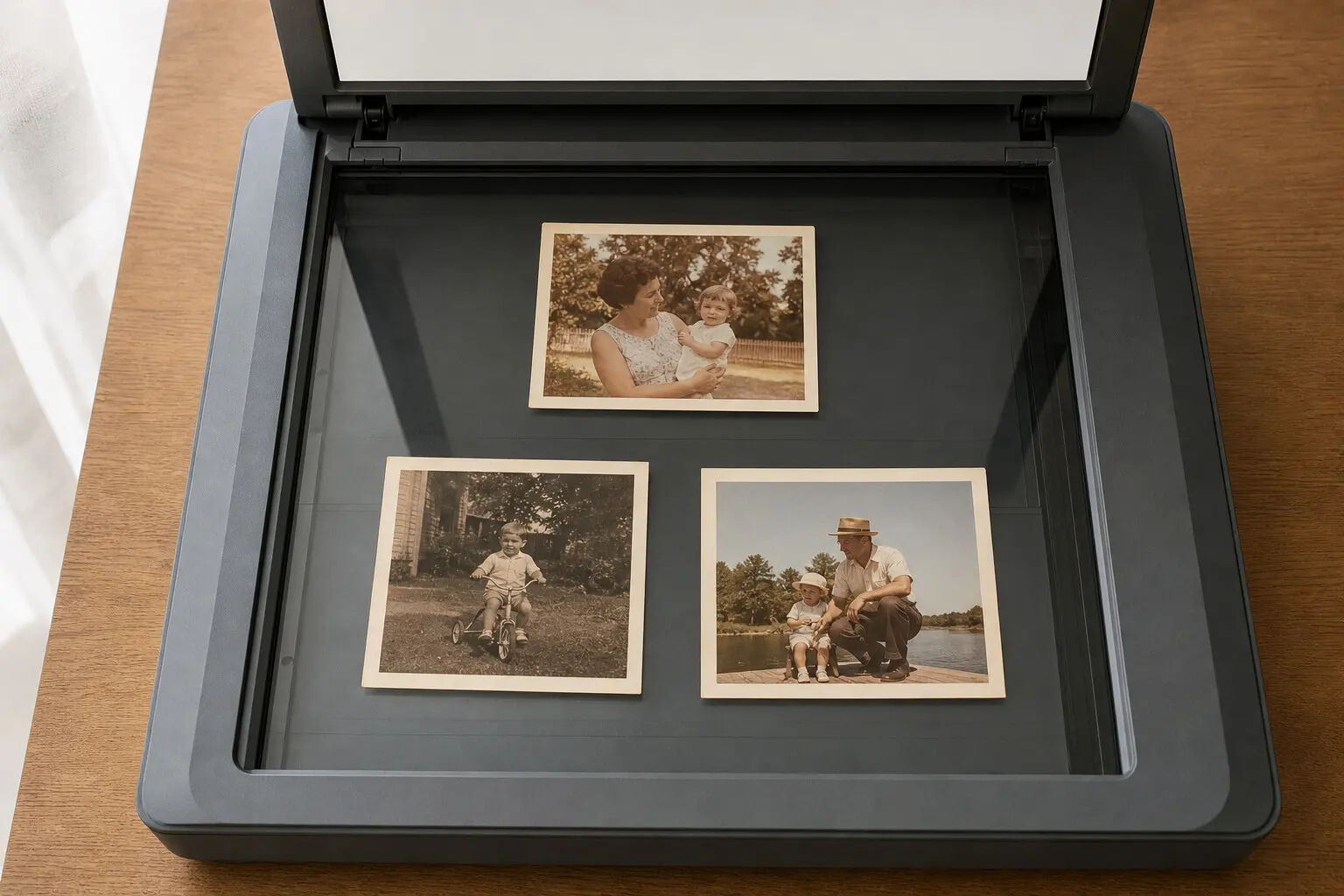
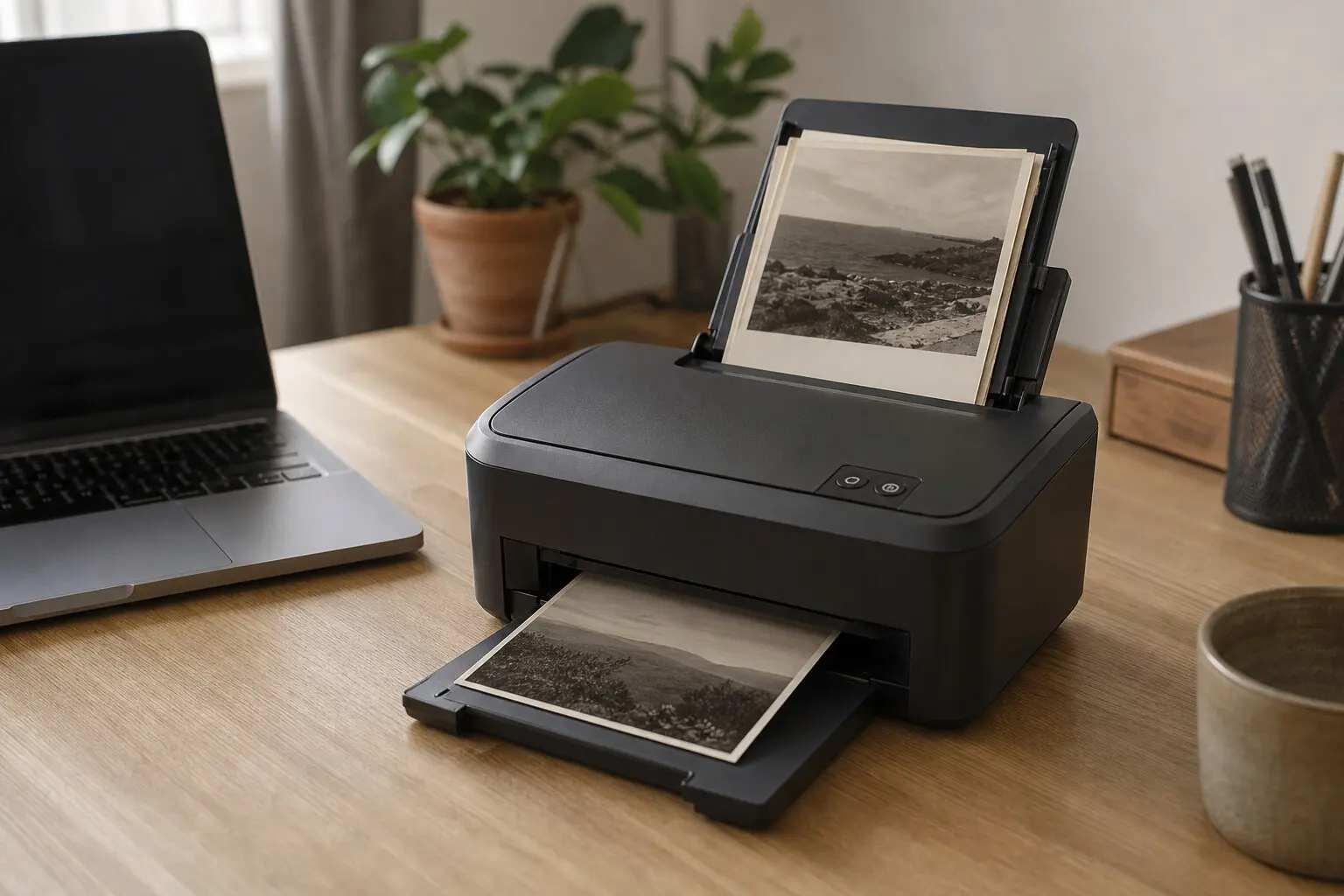
To digitize photos, match the method to the pile: a free phone app like Google PhotoScan for under 100 prints, a flatbed scanner at 600 dpi for a few hundred to a thousand, and a fast photo scanner or a scanning service for thousands.
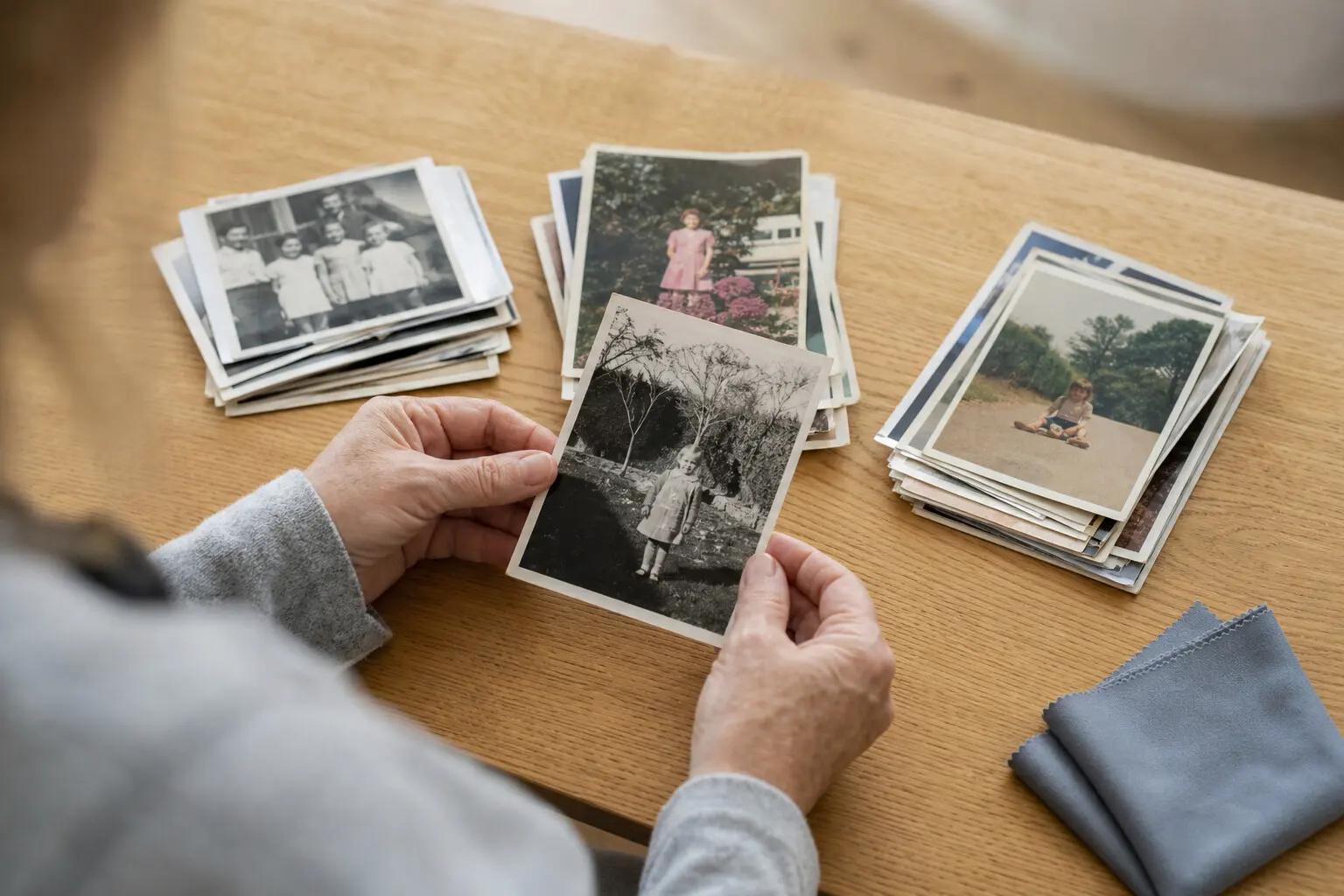
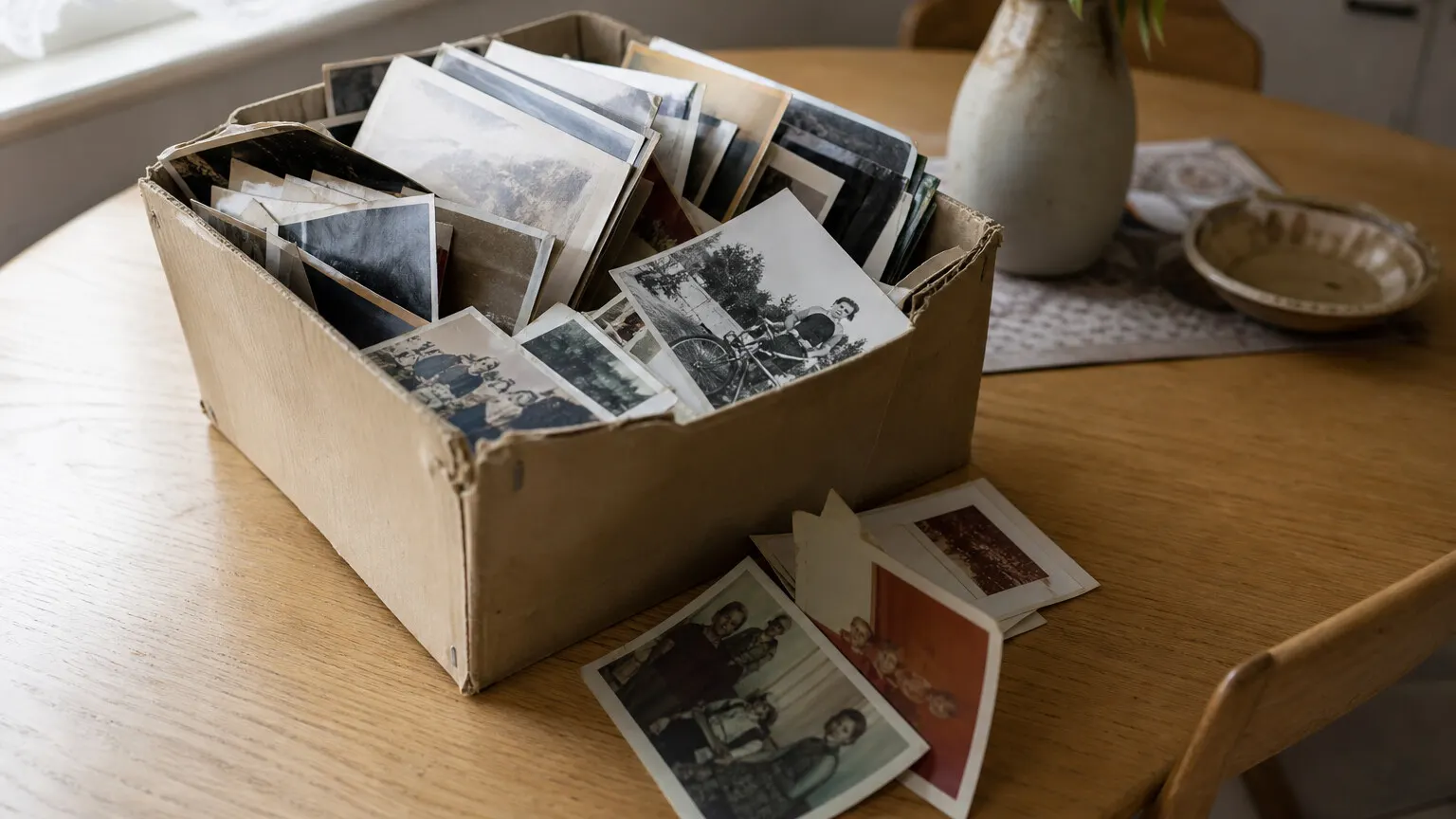
Most families keep their past in one box. One leak, one move or one clear-out, and it is gone. A digital copy takes an afternoon per stack and lets everyone in the family have the photos, not only the person with the box.
Pick your method first, then prepare the prints, scan, name the files and back them up. The video below walks through the same steps in three and a half minutes.
Which way to digitize photos is best for how many you have?
Count your prints first, roughly. The number decides the method, because the slow, careful methods give the best scans and the fast ones only make sense once you have thousands.
| How many photos | Method | Quality | Good for | Not for |
|---|---|---|---|---|
| Under 100 | Phone and a free scanning app | Good enough to share and print small | A few favourites, today | Enlargements, damaged prints |
| A few hundred to 1,000 | Flatbed scanner | The best you can get at home | Fragile, curled or precious prints | Very large collections, unless you have weeks |
| Thousands, doing it yourself | Fast photo scanner (sheet feeder) | Good, at a lower resolution than a flatbed | Stacks of loose, sturdy prints | Polaroids, torn, curled or stuck photos |
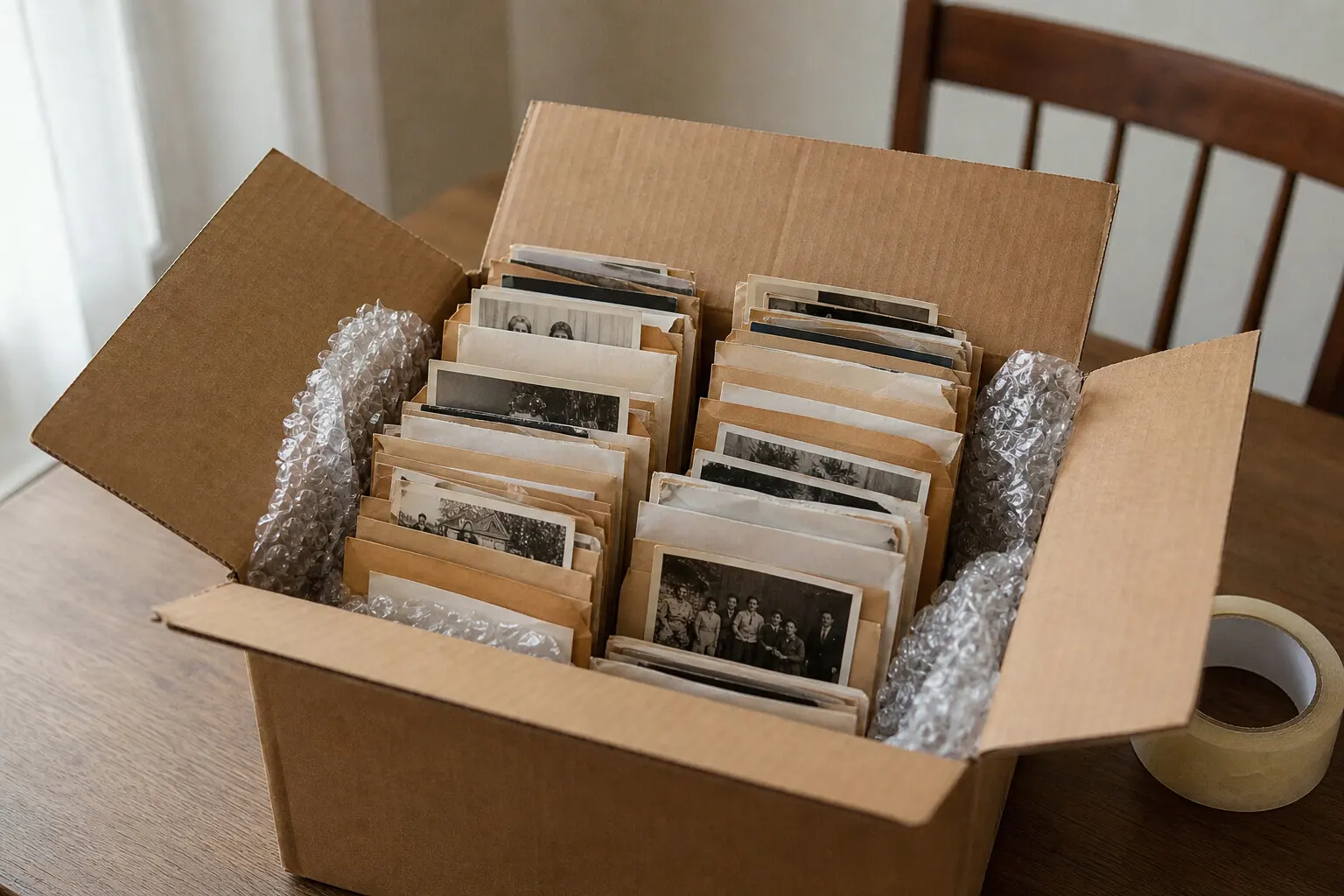
| Thousands, no time | Photo scanning service | Good to very good, depending on what you order | People who would rather pay than scan | One-of-a-kind photos you can't risk in the post |
Most people end up mixing two: a fast method for the bulk and the flatbed for the dozen photos that matter most.